Faisal HouraniFree AI test
Learn · Guide 1

How to build your brand, your first video and your website with AI.

Story first, then the look, then the content. Ten steps anyone can follow, with what I did at each one.

By Faisal Hourani10 steps3 partsAbout 10 minutesTools: ChatGPT or Claude, an image tool, a coding agent
Part 1

The story

Before any font or color, find out what you stand for.

STEP 1

Let AI interview you

Use voice mode, so you talk instead of type. Ask for one question at a time, and tell it to push you for real moments, not big words.

Try this, if it fits: could you start one voice chat today and let it ask you about where you started?

WHAT I DIDChatGPT voice interviewed me across nine areas, from where I started to what I'd never say.
COPY THISInterview me about my brand, one question at a time. Push me for the exact moment, not adjectives.
  1. Where you started
  2. Why you do this
  3. What you believe
  4. What changes for people
  5. Your own words
  6. Proof
  7. Who it’s for
  8. Life outside work
  9. What you’d never say
STEP 2

Find the few ideas you repeat

Give AI your interview and ask which beliefs come up again and again. Then finish the line “It’s just wrong that…” a few times.

Try this, if it fits: finish “It’s just wrong that…” three times. Which one sounds most like you?

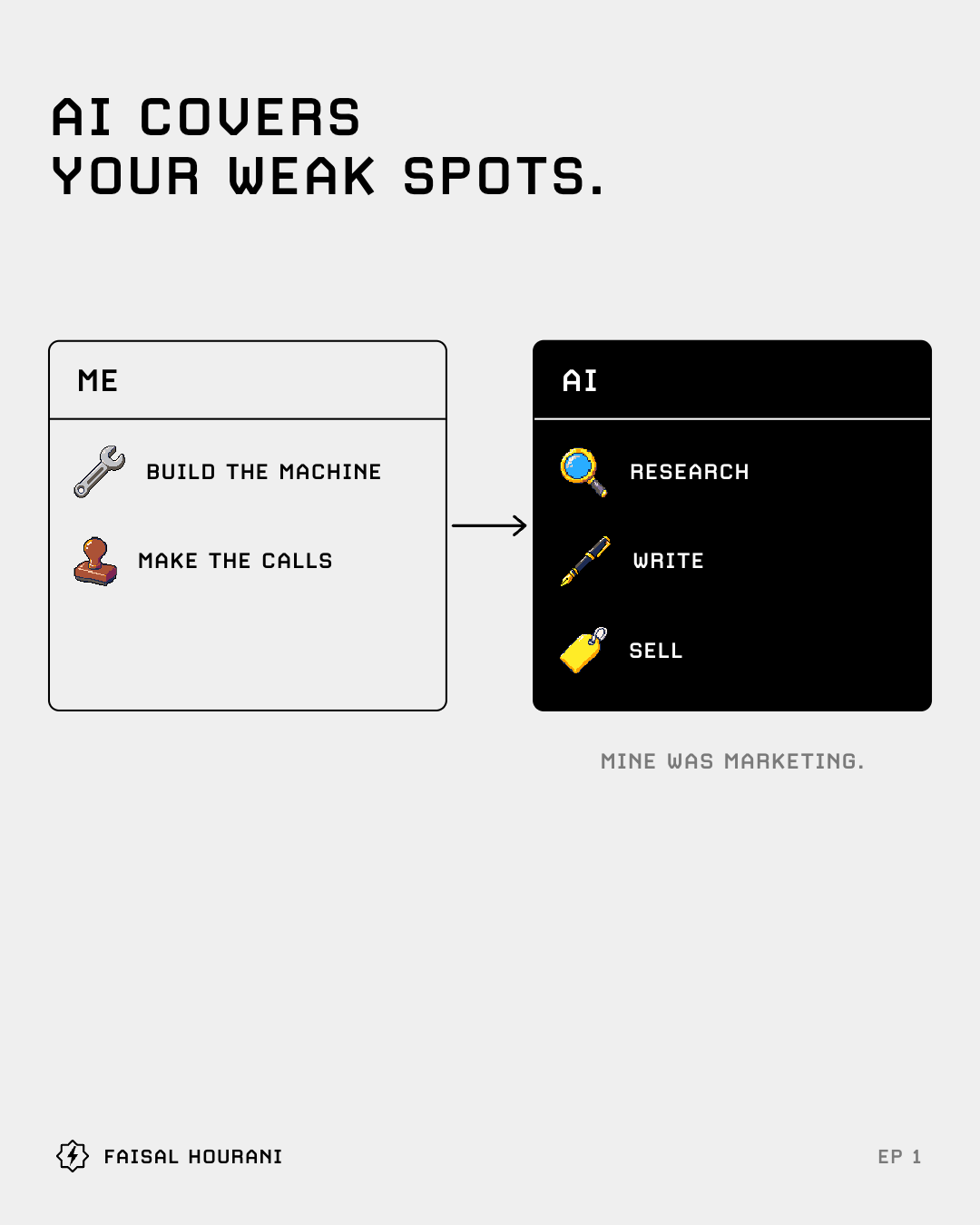
WHAT I DIDThree ideas stayed: AI covers your weak spots. Faster isn't freer. Keep the yes.
COPY THISFrom my interview, list the 3 ideas I repeat most, in my own words.
AI covers your weak spots.
Faster isn’t freer.
Keep the yes.
STEP 3

Write down how you sound

Turn your answers into a voice sheet: how long your sentences are, the words you use, and the words you never use.

Try this, if it fits: which three words would you never say?

WHAT I DIDSixth-grade English and short lines. I never say delve, leverage or game changer.
COPY THISWrite my voice rules: 10 rules, 10 words I use, 10 words I never use.
SAYusefixshow
NEVER SAYutilizedelvegame changer
Part 2

The look

Then make it look like you, on purpose.

STEP 4

Pick a font that sounds like you

Collect a few posts or sites whose type you love. Ask AI to name the fonts and suggest close matches, then check the licence covers your website.

Try this, if it fits: which post or site has type you love? Could AI name the font?
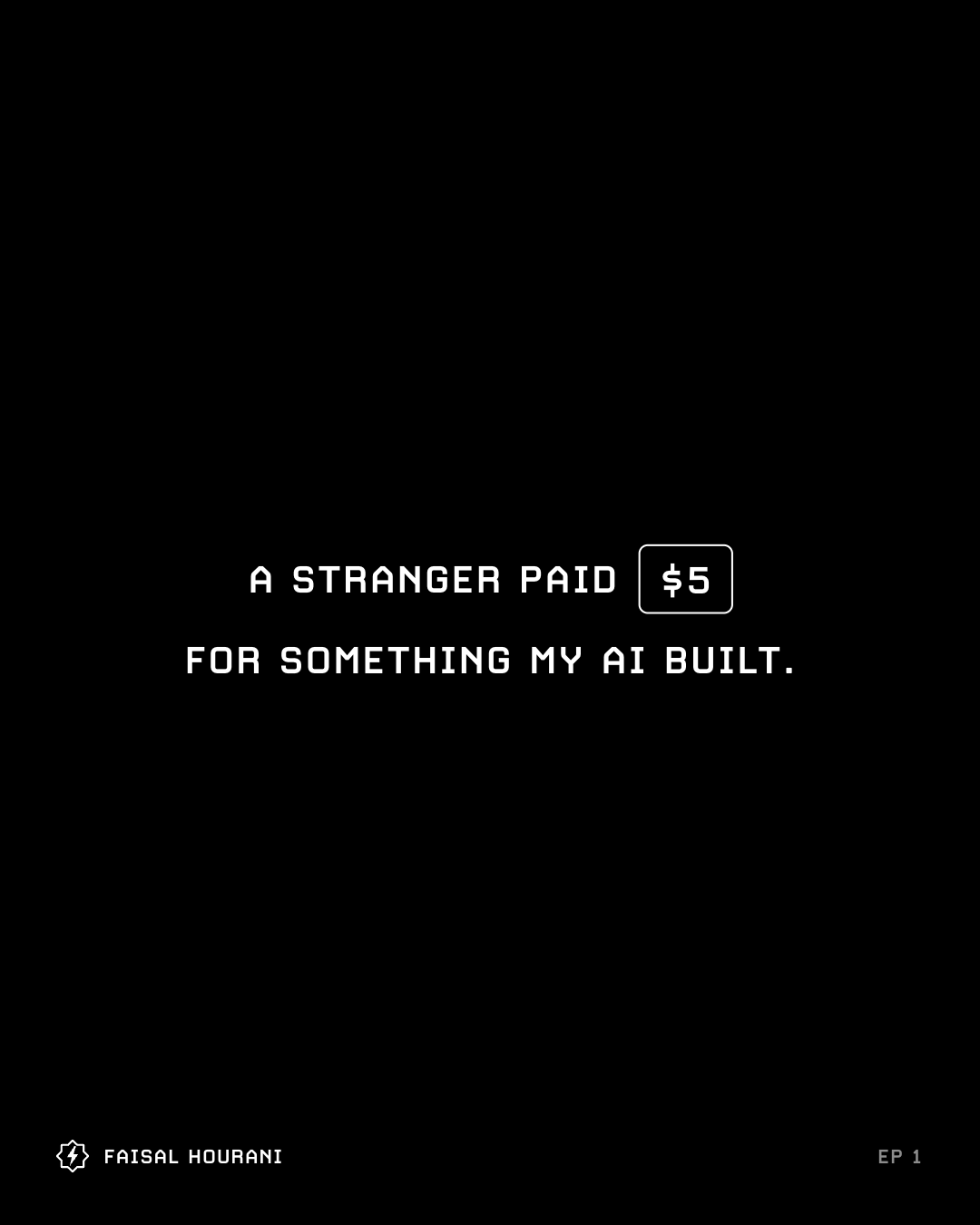
WHAT I DIDI found T26 Carbon this way, then bought its web licence for this site.
COPY THISName the fonts in these 3 screenshots, and suggest 3 close matches.
The first slide of episode 1, set in Carbon
STEP 5

Give every color a job

You don’t need fewer colors. You need every color to have a job: background, text, accent, buttons. Then hide your name, and it should still look like you.

Try this, if it fits: could each of your colors have one job: background, text, accent or buttons?

WHAT I DIDBlack, white and gray for everything, and color only inside small icons. Yours can be one bold color or a full palette.
COPY THISSuggest 3 color sets for my brand, and give every color a job.
STEP 6

Pick one picture style, then make a kit

Choose one style for big pictures and one for small ones. Save a few examples you love, and make every new picture from those examples, so they all match.

Try this, if it fits: which one picture do you love most? Could every new one start from it?

WHAT I DIDLine drawings for big things, pixel icons for small ones. Codex draws new icons from our first seven.
COPY THISMake 4 icons in the exact style of the attached examples.
STEP 7

Put it all on one page

Ask AI to turn your story, voice, font, colors and pictures into one web page. If it isn’t on the page, it isn’t the brand.

Try this, if it fits: could your story, voice, font, colors and pictures fit on one page?

WHAT I DIDMy brand guide fits on one page, and ends with a check I run before every post.
COPY THISTurn my brand notes into a one-page brand guide, as a web page.
  1. What the brand says
  2. The one rule
  3. Type
  4. Colors and their jobs
  5. Signature
  6. Pictures
  7. Post templates
  8. Making new pictures
  9. Before posting
Part 3

The content and the site

Now make things with the story and the look.

STEP 8

Plan your first post as slides

Start with many openings and pick one. Then map the story and write one idea per slide, before you make anything.

Try this, if it fits: could you write 20 openings for your first post before you pick one?
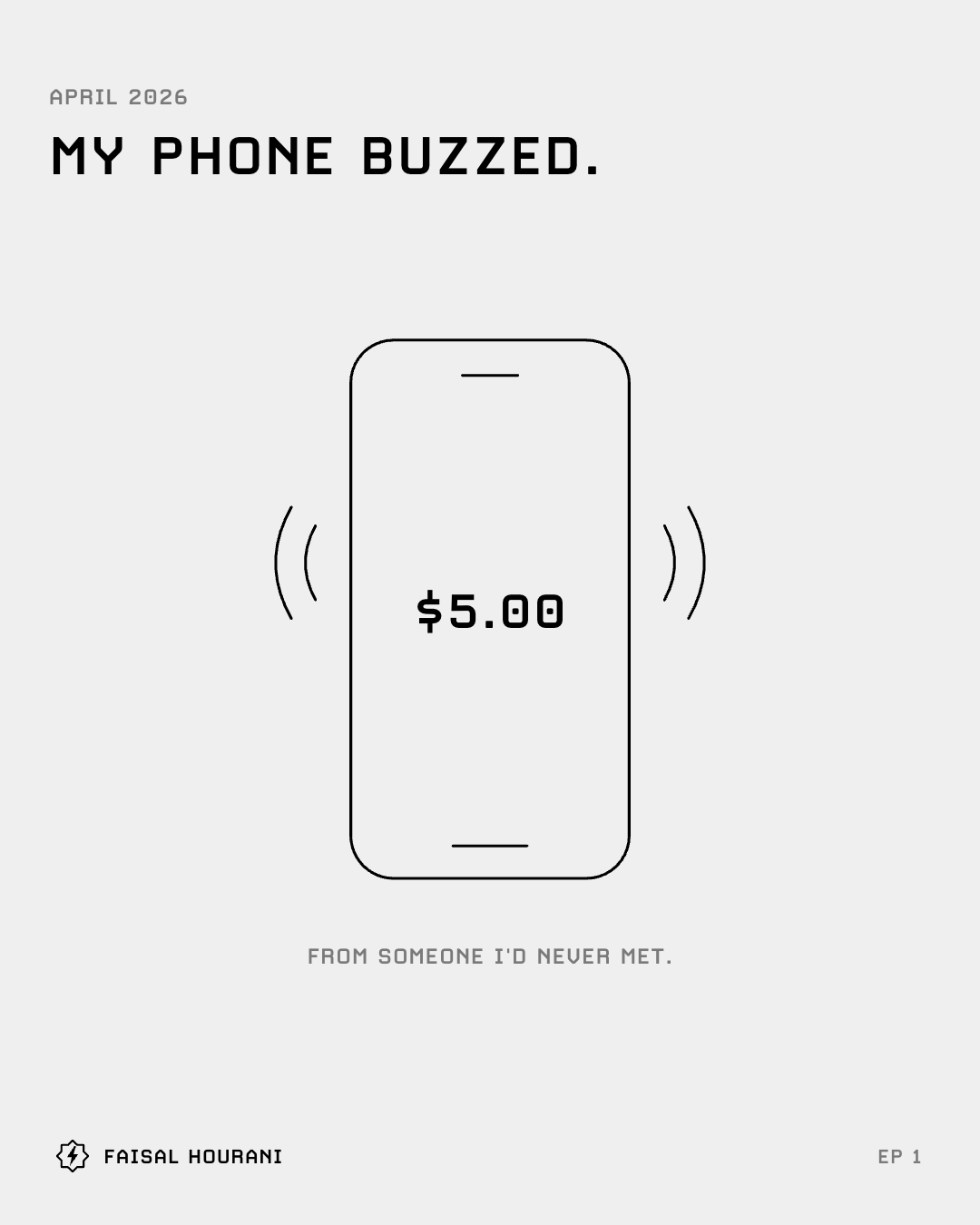
WHAT I DID30 openings, then a story map, then every slide on one page, all agreed before any video.
COPY THISWrite 30 openings for my first post, each a different kind.
STEP 9

Turn the slides into a short video

Make it move from the first frame and land the hook in 2 seconds. Keep it to about 30 seconds, then check where people stop watching.

Try this, if it fits: does your video move in its very first frame?

WHAT I DIDMy first cut opened on a still cover and lost half the viewers by second 5. The next one opened on the moment.
COPY THISTurn these slides into a 30-second video that moves from the first frame.
STEP 10

Build your website from your brand page

Give a coding agent your one-page brand guide and a short site plan. Write one sentence under each heading, and check every page on a phone first.

Try this, if it fits: could a coding agent build your first page from your one-page brand guide?
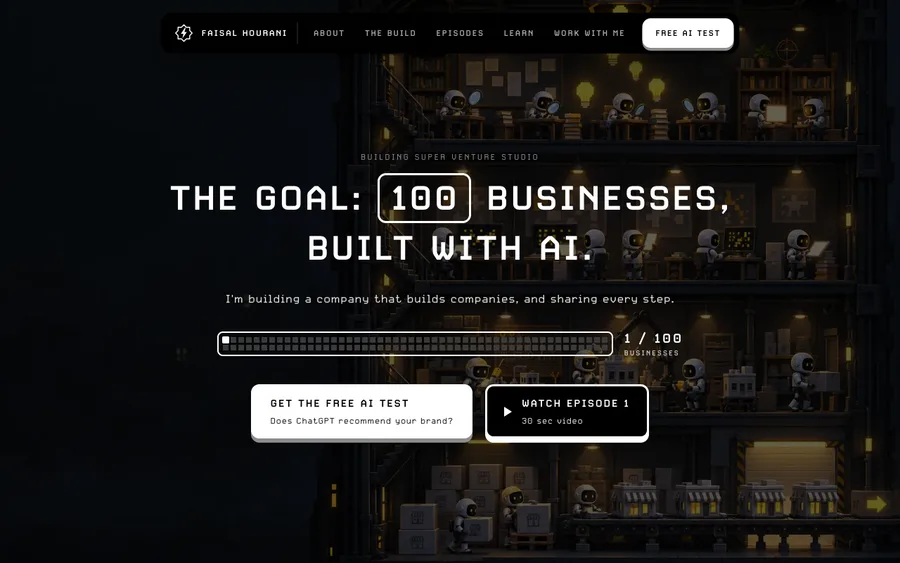
WHAT I DIDClaude Code built this site from my brand guide, and AI drew the factory at the top.
COPY THISBuild my website from this brand guide, and check every page at phone width.
The home page of this website, built by Claude Code from the brand guide
Questions

What people ask.

Will a brand made with AI sound like everyone else?

Not if it starts from you. Mine came from a voice interview about my own moments, and my voice sheet lists the words I never use. Hide the name, and it should still look like you.

Do I need a designer?

I didn’t use one. My brand guide, my icons and this site were made with AI, from my interview and examples I picked. The one thing I paid for was a font licence.

Which AI tools do I need?

A chat AI such as ChatGPT or Claude, an image tool and a coding agent. That’s what I used for every step here.

Free · the full kit

Every prompt, word for word.

Every prompt I used to build my brand, my first video and this website, with examples and checklists. Free, as a page and a PDF.

What you get
  • The interview prompt that pulls out your real story.
  • The prompts for your ideas, your voice sheet and your colors.
  • The font finder, and the licence check most people skip.
  • The picture prompt that keeps every image in one style.
  • The one-page brand guide, the 30 openings and the video rules.
  • The website build prompt and the launch checklist.

It opens right away, and the link comes by email too. Then a few short emails on building with AI. Leave any time.

Send it to one person

Who would this help?

If a friend runs a store or a site, it takes one tap to send it straight to them.

Email itWhatsApp it
Keep learning

More guides.

Each guide teaches one thing I learned while building.

Guide 2 · 5 steps · from EP2

How to reach Google's page one faster.

Read the guide5 steps · 5 min →
Guide 3 · 5 steps

How to rank in ChatGPT and get cited.

Read the guide5 steps · 5 min →
Guide 4 · 4 steps · from EP3

Lead magnet ideas that work.

Read the guide4 steps · 5 min →
Guide 5 · 7 steps · from EP4

A quiz funnel that gets the email.

Read the guide7 steps · 6 min →
Guide 6 · 7 steps · from EP5

How to sell digital products.

Read the guide7 steps · 6 min →
Get the AI brand kitEvery prompt, free→