How I make a LinkedIn carousel with AI.
A LinkedIn carousel is a PDF people swipe through. Start with one number, give each slide one idea and save it as one file. Six steps from the 7-slide carousel I posted.
From my own carousel files, October 2026. LinkedIn takes a document up to 100 MB and 300 pages (LinkedIn Help, read 30 November 2026).
Make the slides
One number, one question, one idea on each slide.
Pick one number for your LinkedIn carousel
A carousel that holds one number is easier to swipe through than a list of tips. My AI helps me find the number in my notes. I still check it myself, in the tool it came from, before I post. The story behind my 204 is in how to rank in ChatGPT.
Try this, if it fits: which one number from your own business could carry a carousel? Orders in a week, repeat customers, replies to one post.
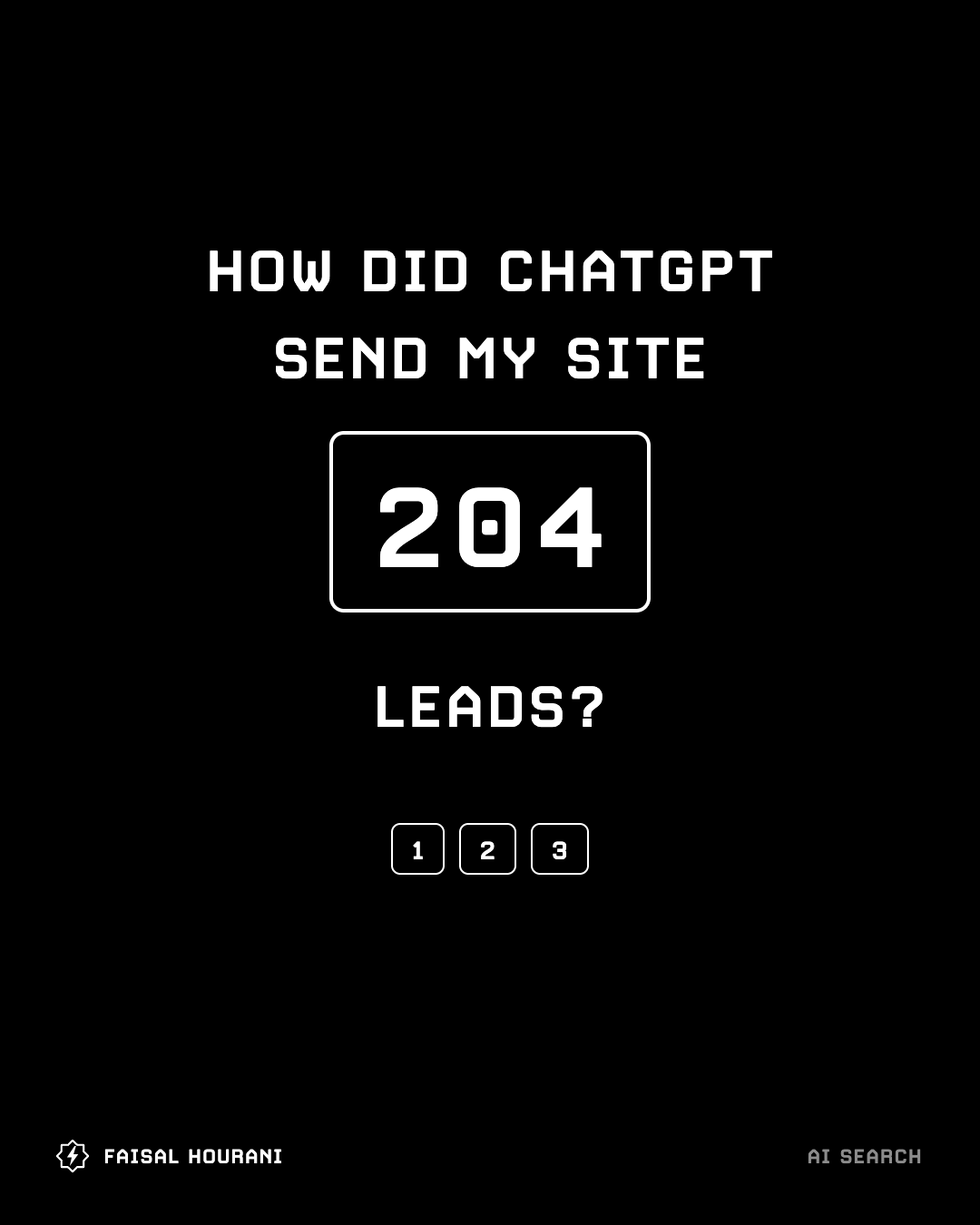
Open the carousel with the number, as a question
The cover is the only slide most people see before they decide to swipe. A big number with a how-question gives them a reason. The three empty boxes under my number tell them three lessons are coming.
Try this, if it fits: what is the win behind your number? Could your cover ask how it happened?
Give each slide one idea, and keep it to 10 or fewer
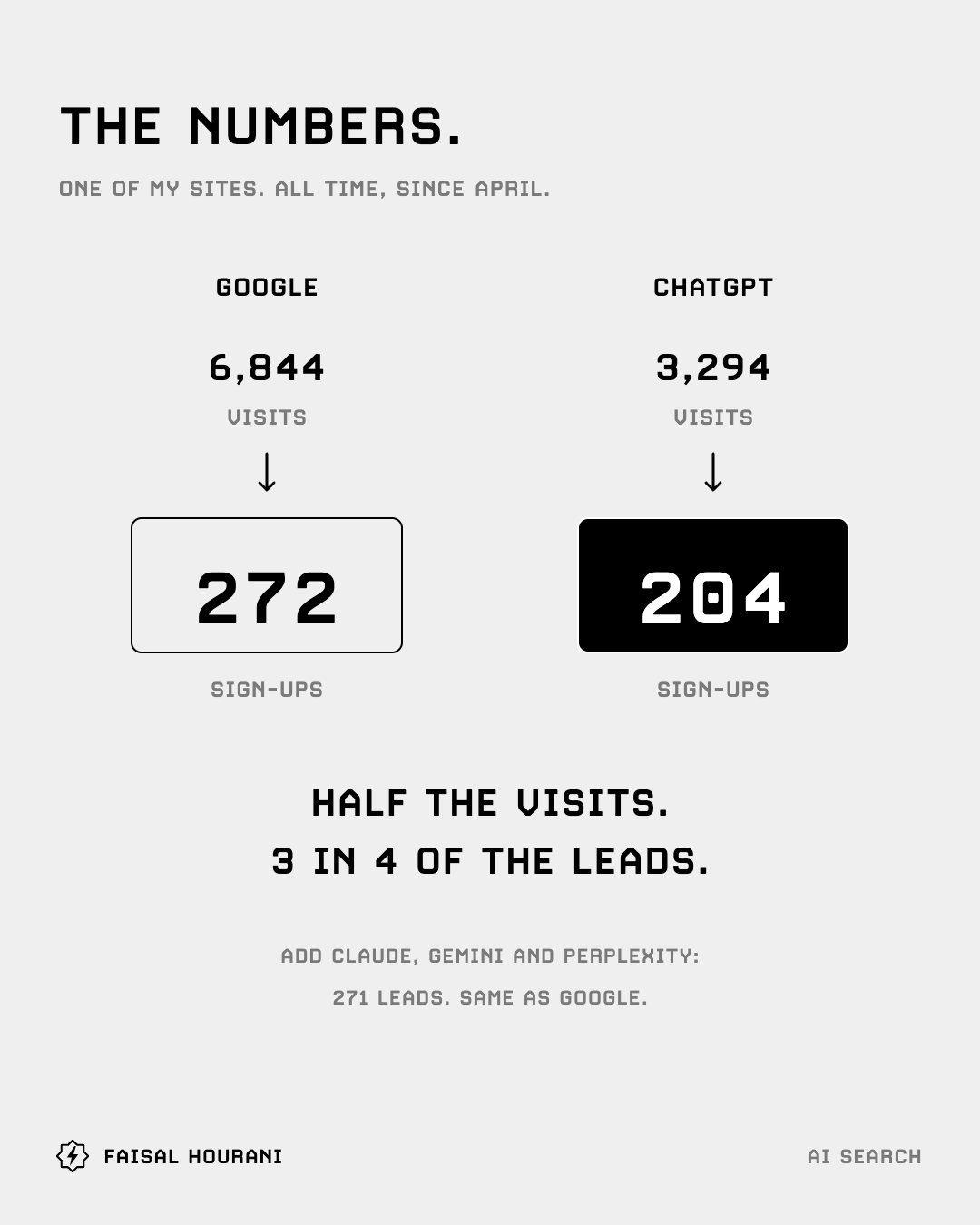
Slide 2 holds only numbers: Google sent 6,844 visits and 272 sign-ups, ChatGPT sent 3,294 visits and 204 sign-ups. The cover says ChatGPT, so ChatGPT is the number I show first. The total for all AI chats is one small line at the bottom.
When a carousel runs long, I cut to the strongest slides and move the rest to another post. My AI agents read rule sheets on why posts work before they write, and you can start the same habit with ten examples: how to keep a swipe file for AI.
Try this, if it fits: which slide would you cut first? What is left is your carousel.
Draw every slide at the same size
LinkedIn’s help page gives no slide size. I use 1080 by 1350 pixels, a tall slide, because most people read on a phone. My name and the topic sit in the same spot at the bottom of every slide, so the deck looks like one piece.
If you work in a slide tool you already know, set a custom page size of 1080 by 1350 and leave a little room at the edges.
Try this, if it fits: which tool could draw your slides at one size?
Post it well
One file, a short caption and one ask.
Save the slides as one PDF
On LinkedIn, a carousel is a document post. LinkedIn’s help page lists what it takes: PDF, PPT, PPTX, DOC or DOCX, up to 100 MB and 300 pages. It asks for a PDF whenever possible, with layers flattened and every page the same size. Videos and animations show as still pictures. Each post holds one document and needs a title. After you post, you can edit the title and description, but not the document (Upload and share documents on LinkedIn, Document uploads FAQ; I read both on 30 November 2026, and each shows “last updated 3 years ago”).
Try this, if it fits: open your slides once more and check every page is the same size before you save the PDF.
Keep the caption short and end on one ask
A carousel does the explaining, so the caption stays short. I once wrote a 1,429-character caption for a LinkedIn carousel and thought it had too many words. My limit now is 900 characters, with the hook alone on line 1, because that line is all the feed shows before “more”.
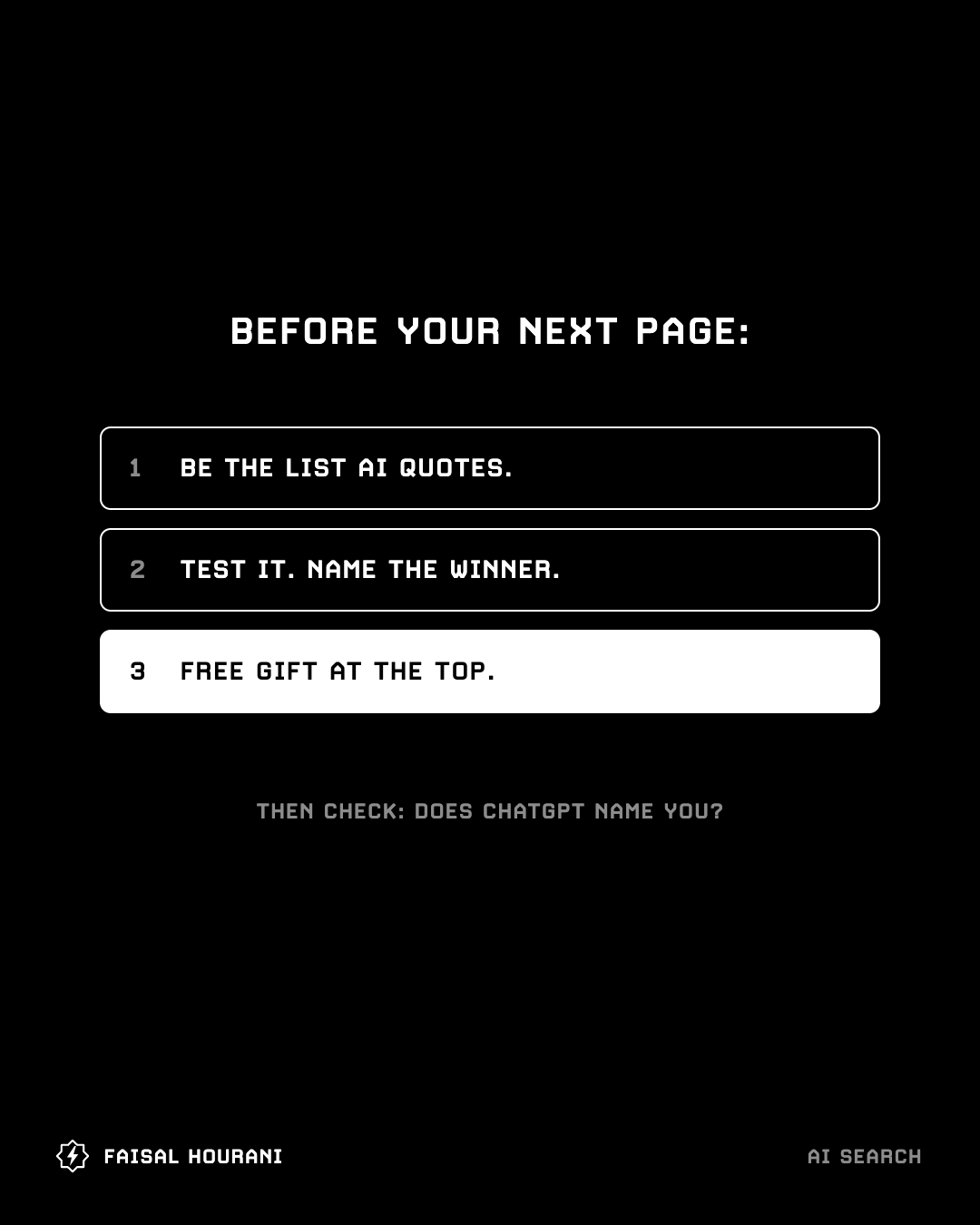
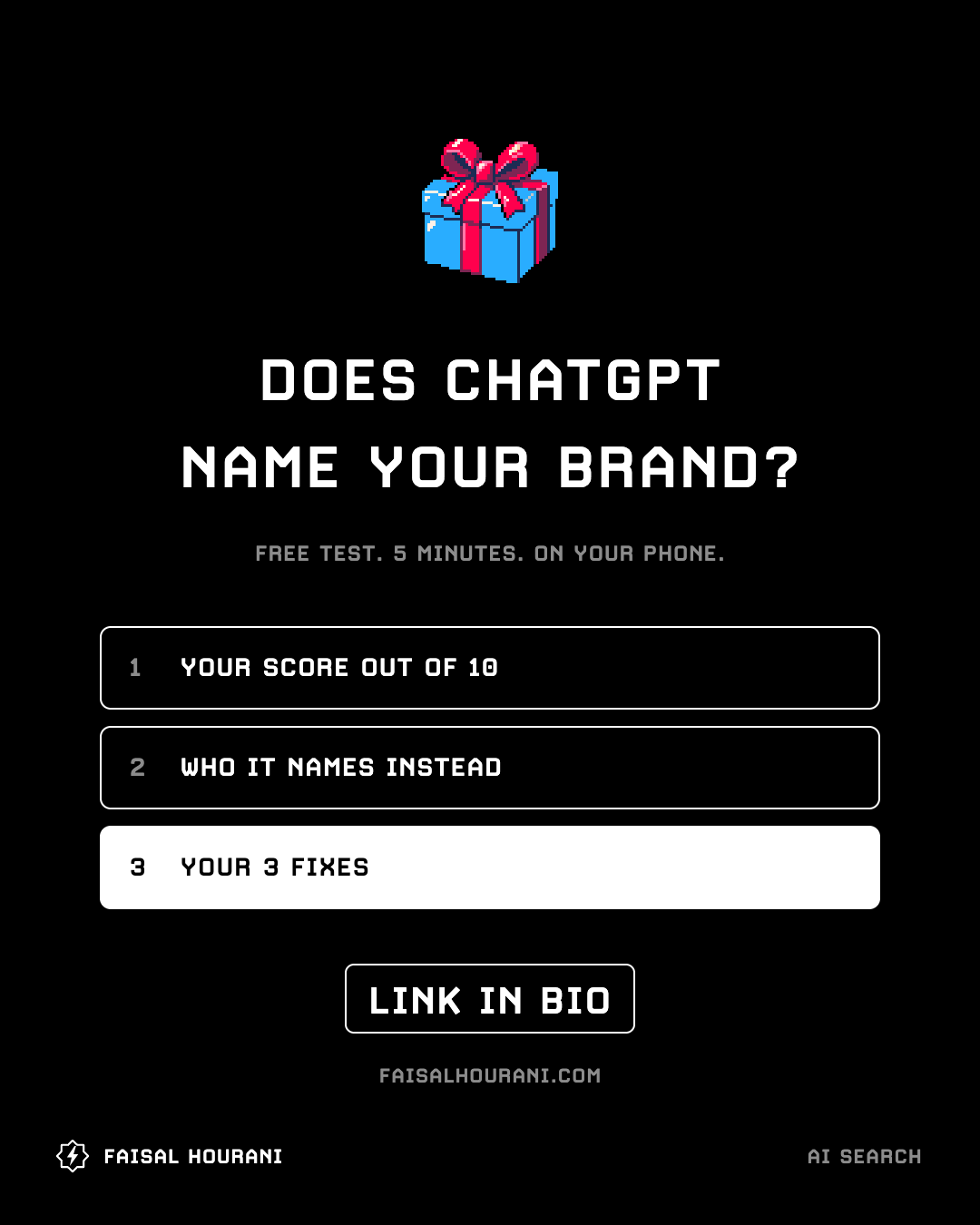
My last slide offers a free gift, the AI visibility checker. What makes a gift worth an email is in lead magnet ideas that work.
One thing did not fit. The PDF uses the same slides as Instagram, so its last slide says “link in bio”, while on LinkedIn the link sits in the caption. I can see that mismatch now.
I also cannot tell you how many people swiped. As of late November, my tools do not read LinkedIn views, so this carousel has no view number.
Try this, if it fits: what is the one thing you would like a reader to do after the last slide?
Want AI search to name your store, not only your slides to look good? See how AI SEO for online stores works. If you run a local business around KL, the free check for local businesses compares you with your 3 nearest competitors. For the brand behind the slides, there is how to build your brand with AI.
What people ask.
Does LinkedIn accept carousels?
Yes, as a document post. You upload a PDF and people swipe through its pages. LinkedIn takes PDF, PPT, PPTX, DOC and DOCX, up to 100 MB and 300 pages. Mine was a 7-page PDF.
What is the recommended size for a LinkedIn carousel?
LinkedIn’s help page gives no slide size. It asks for every page in a PDF to be the same size. I use 1080 by 1350 pixels, a tall slide, and my PDF came to 456 KB.
How many slides should a LinkedIn carousel have?
LinkedIn allows up to 300 pages. My own limit is 10, and my LinkedIn carousel has 7. One idea on each slide keeps it short enough to finish.
How can I turn a PDF into a LinkedIn carousel?
Click Start a post, then More, then the Add a document icon, and choose your PDF. Add a title and click Done. You can edit the title and description later, but not the document itself.

Does ChatGPT recommend your brand?
See who AI names to your buyers instead of you, and how to change it.
- One prompt that asks AI 10 real buyer questions about what you sell.
- Your score, or how often ChatGPT, Claude or Gemini names your brand.
- The brands AI names instead, and the sites it reads.
- The 3 checks that decide who AI recommends.
- The 3 fixes most likely to get you named.
- The weekly plan my AI team runs to close the gap.

Who would this help?
If a friend runs a store or a site, it takes one tap to send it straight to them.
More guides.
Each guide teaches one thing I learned while building.

How to build your brand, your first video and your website with AI.

How to reach Google's page one faster.

How to rank in ChatGPT and get cited.

Lead magnet ideas that work.
A quiz funnel that gets the email.

How to sell digital products.
Does Google penalize AI content?
Is ChatGPT accurate?
How to keep a swipe file for AI.
How to use ChatGPT for SEO.
How to check Google ranking for free.